Become a Public Service Loan Forgiveness (PSLF) Help Tool Ninja – Federal Student Aid
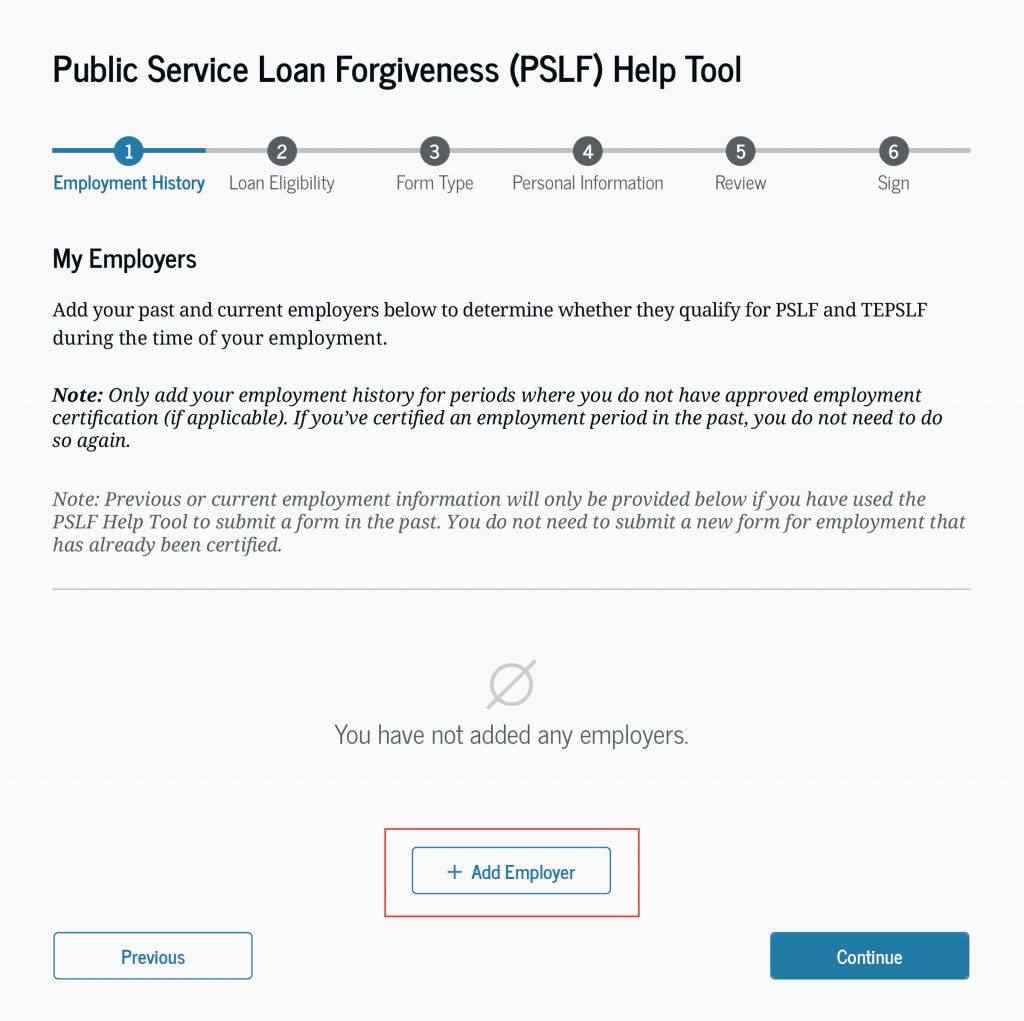
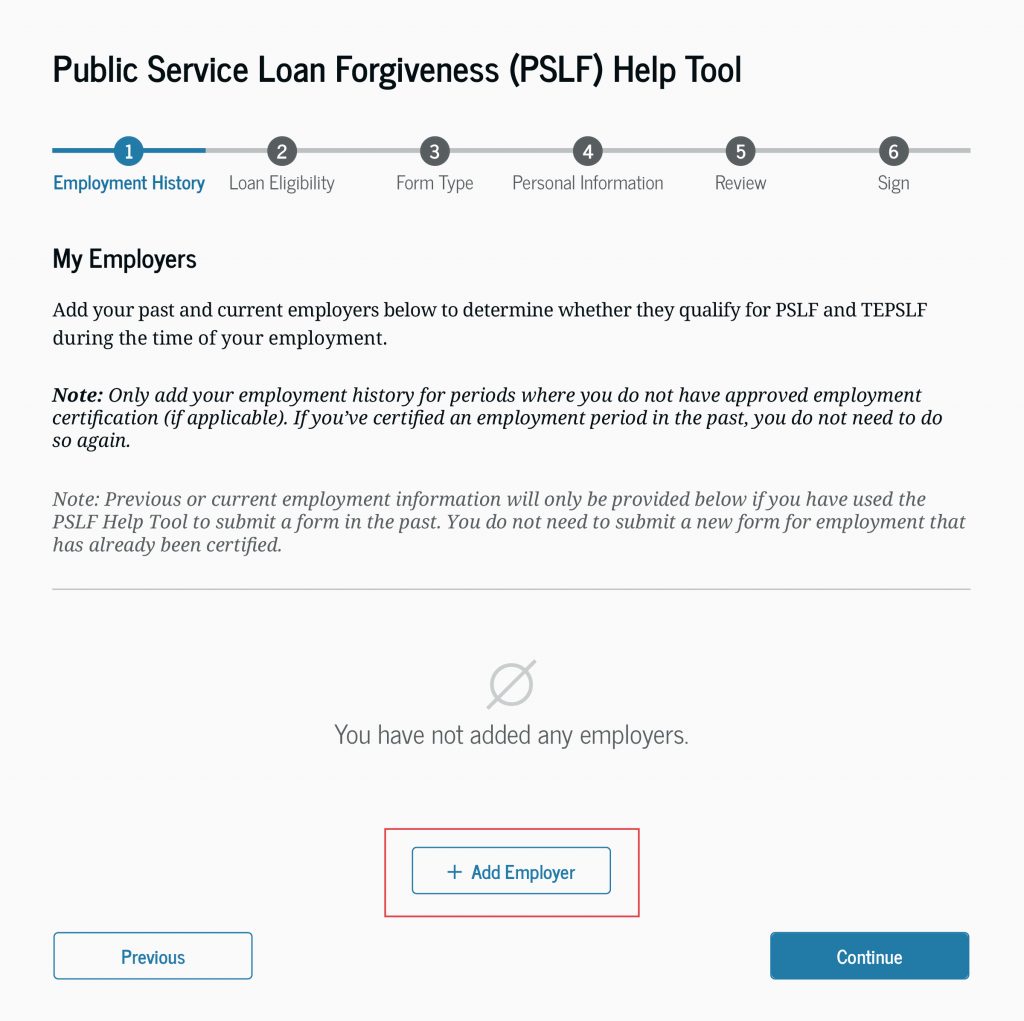
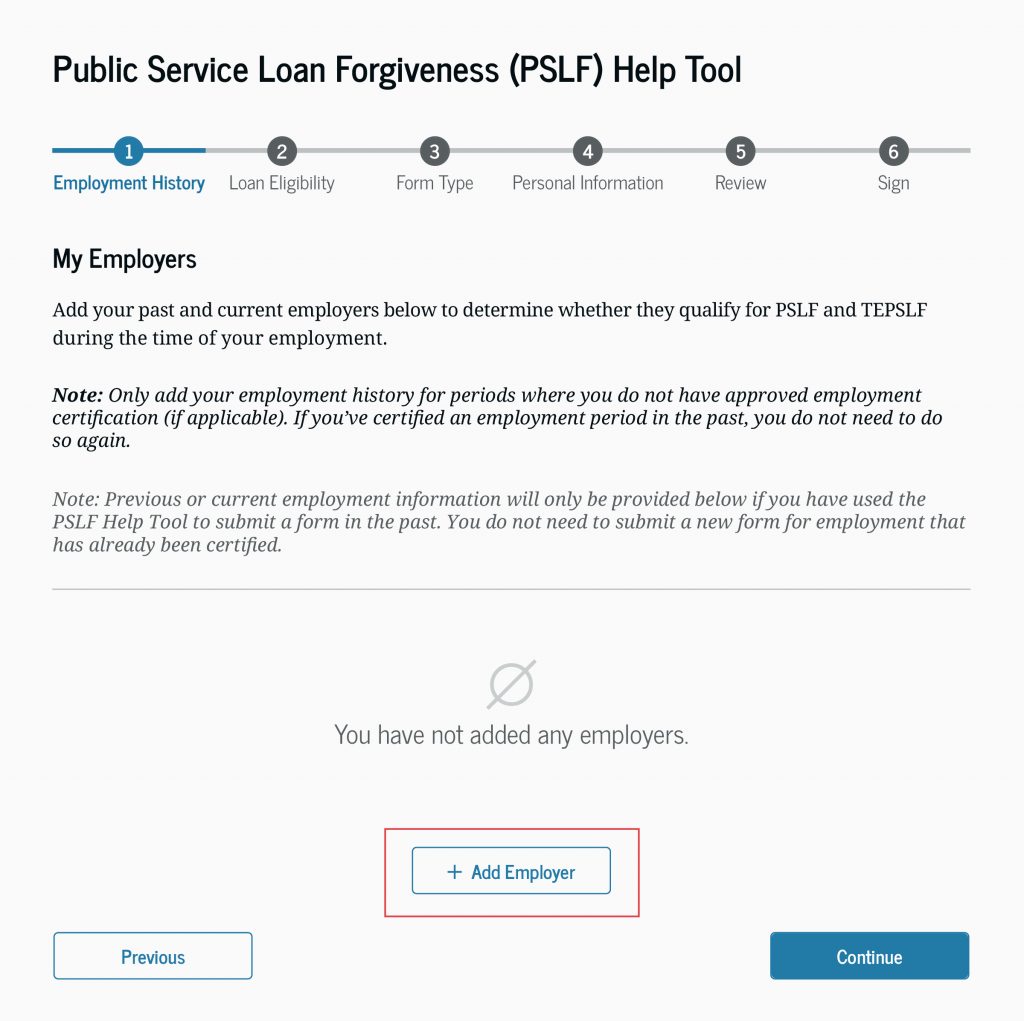
Summary: This image displays the 'Employment History' step of the PSLF Help Tool, where users are prompted to add their past and current employers to determine eligibility for loan forgiveness.
The provided image is a screenshot of the 'Employment History' section of the Federal Student Aid PSLF Help Tool. It outlines the six-step process for applying for Public Service Loan Forgiveness (PSLF) and Temporary Expanded Public Service Loan Forgiveness (TEPSLF). The interface instructs users to add their employment history to verify eligibility, noting that previously certified employment does not need to be re-entered. The screen features an 'Add Employer' button and navigation controls for the application process.
Document outline
1. Public Service Loan Forgiveness (PSLF) Help Tool Interface 2. Step 1: Employment History Overview 3. Instructions for adding past and current employers 4. Guidance on previously certified employment 5. Navigation and action buttons (Add Employer, Previous, Continue)